
How to Get IPTV on a Firestick: The Simple 3-Step Guide
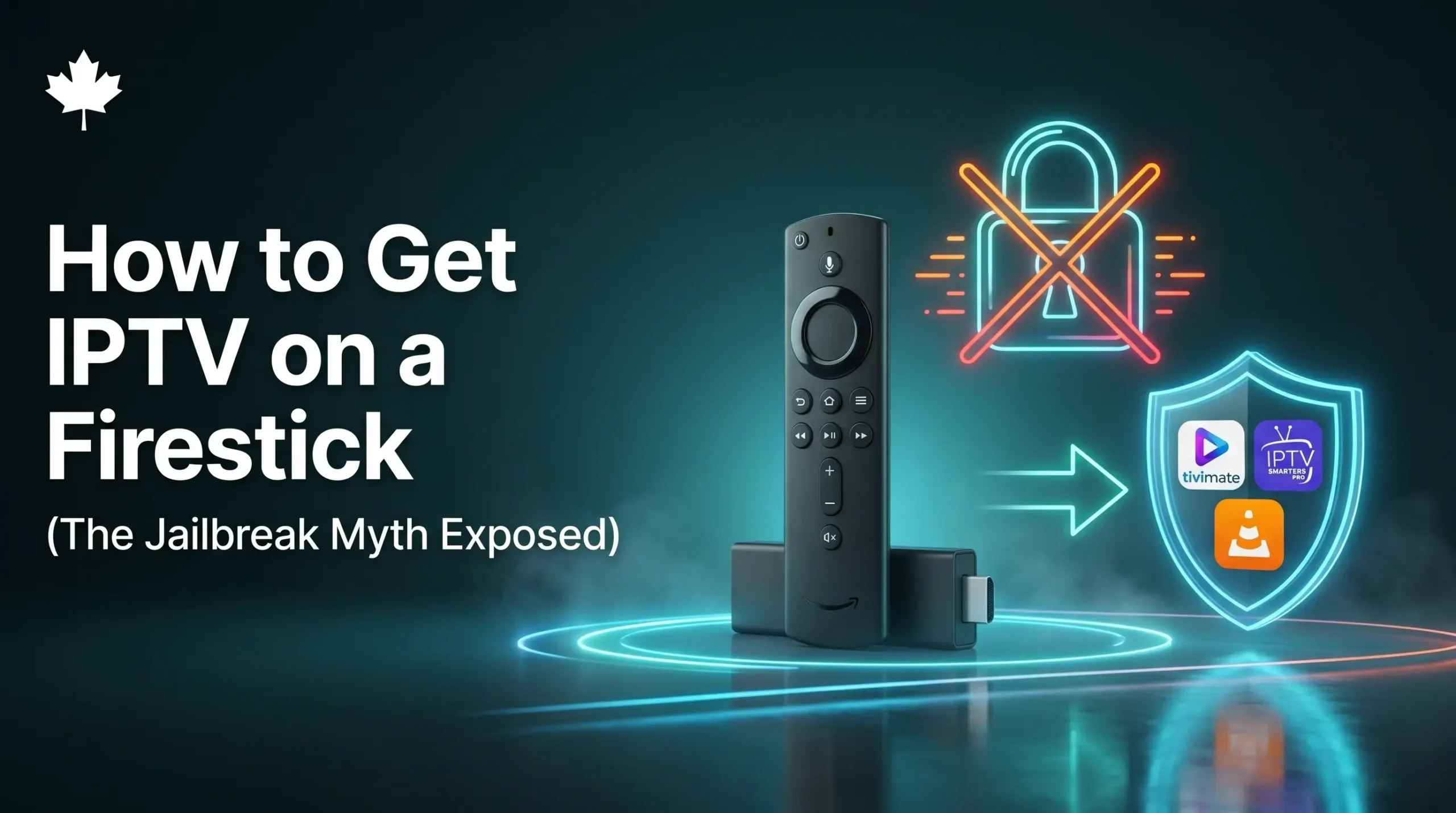
A few weeks ago, a friend of mine told me he just paid a random guy on the internet $150 for a “jailbroken” Amazon Firestick. He thought he bought some super-secret, hacked device that would give him free TV forever.
I had to break the bad news to him: he got completely scammed!
There is a huge myth out there that you need to be a computer hacker to get IPTV on a Firestick. Today, I want to expose this silly myth and show you exactly how easy it is to set up your own television in just three simple steps, without paying a “tech guy” a single penny.
The Big “Jailbreak” Myth
Let’s clear this up right now. When someone tells you they are selling a “jailbroken” Firestick, they are lying. They did not hack into the device or rewrite any computer code.
All they did was go into the regular Amazon settings menu and click a button that says “Allow Unknown Apps.” That is it! It takes exactly five seconds. You can buy a brand new, normal Firestick directly from the store (which sites like TechRadar always rate as one of the best streaming devices available) and do it yourself.
If you are curious about how these little devices actually work to bring video to your screen, I wrote a really simple guide explaining exactly what IPTV boxes are that you can check out.
What Do You Actually Need?
To get your TV running today, you only need three basic things:
- A regular Amazon Firestick: Just plug it into the back of your television.
- Home Wi-Fi: A stable internet connection so the video doesn’t freeze.
- A TV Provider: The Firestick is just an empty shell. You have to sign up with a TV service to actually get the channels and a login password.
The Easy 3-Step Setup Guide
Once you have signed up for a TV service, getting IPTV on a Firestick is as easy as downloading a game on your smartphone. Just follow these steps with your remote:
Step 1: Download the “Downloader” App
Go to the magnifying glass icon on your Firestick home screen and search for an app called Downloader (it has an orange logo). Click download. This free app lets you fetch your TV channels!
Step 2: Flip the Secret Switch
This is the part the scammers charge $150 for! Go to your Firestick Settings gear icon, click My Fire TV, and click Developer Options. Simply turn ON the switch that says Install Unknown Apps.
Step 3: Type Your Code In
Open that orange Downloader app you just got. Your TV provider will email you a short code or a web link. Type it into the search bar and press Go. The app will install, and you just type in the username and password they gave you!
If you haven’t picked a provider yet and want one that is incredibly easy to use, I highly recommend checking out The Best IPTV Service in Canada. They will send you your easy login codes the exact minute you sign up!
Frequently Asked Questions (People Also Ask)
When I help my family set up their living rooms, they always ask me these questions. Here are the simple answers!
Is getting IPTV on a Firestick legal?
Yes, it is 100% legal. The Amazon Firestick is just a small computer, and streaming video over the internet is completely normal. You just want to make sure you buy your TV subscription from a trusted, safe provider.
What is the best IPTV for a Firestick?
Because the Firestick is a small device, you want a TV provider that uses a lightweight, fast app. From my own family’s testing, Jet Stream IPTV is the absolute best choice because their app runs buttery-smooth on Amazon devices without slowing them down.
Will my TV freeze on a Firestick?
The Firestick itself is very fast. If your screen is freezing, it almost always means your Wi-Fi router is too far away, or you bought a cheap TV service that uses bad overseas servers. Upgrading to a premium North American server usually fixes this instantly.
Can I take my Firestick when I travel?
Yes! This is the absolute best part. If you go on a business trip or a family vacation, just unplug your Firestick and put it in your suitcase. You can plug it into the hotel TV, connect to their Wi-Fi, and watch all your home channels from anywhere!