
Master Your IPTV Streaming Quality: 5 Simple Home Network Tweaks
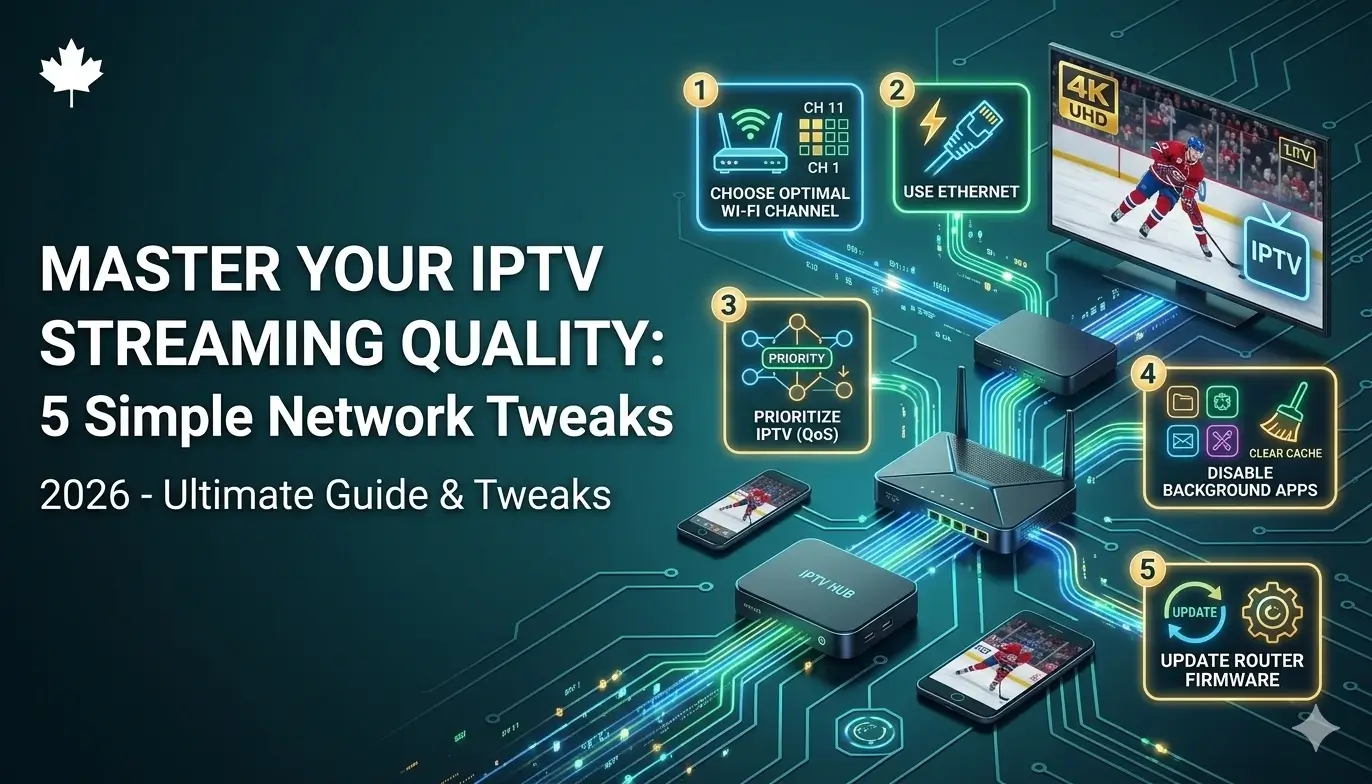
Have you ever settled in to watch a massive Saturday night movie, dimmed the lights, grabbed your popcorn, and… the screen froze? It is the most frustrating feeling in the world!
When this happens, most people immediately blame their TV provider. They get angry and think they bought a bad package. But the truth is, when it comes to IPTV streaming, your television is only as good as your home internet connection. If your home network is acting like a clogged pipe, your video is going to stutter.
Before you go out and buy a whole new TV subscription, I want to share my top 5 simple, beginner-friendly tweaks you can make to your home network right now to get a crystal-clear, flawless picture!
Tweak 1: Ditch the Wi-Fi (If You Can)
This is the biggest secret to perfect IPTV streaming. Wi-Fi is incredibly convenient for our cell phones, but it is actually very weak when it comes to pushing heavy, live high-definition video through walls and furniture.
If your television is in the same room as your internet router, run a cheap Ethernet cable from the router directly into the back of your TV or streaming box. As the tech experts at Tom’s Guide explain, a wired Ethernet connection is always faster, more stable, and less prone to interference than Wi-Fi.
Tweak 2: Get Your Router Out of the Closet
If you absolutely have to use Wi-Fi, you need to give your router room to breathe!
So many people hide their Wi-Fi routers inside wooden entertainment centers, behind metal televisions, or stuffed in a basement closet. Wi-Fi signals hate physical barriers. Simply moving your router to a high shelf in an open room can massively improve your video speed and stop your TV from freezing.
Tweak 3: Restart Your Devices (The 30-Second Fix)
Think about your streaming stick (like an Amazon Firestick) and your Wi-Fi router like human brains. If they work for 6 months straight without a break, they get tired and slow down!
Once a month, unplug your internet router and your TV device from the wall. Count to 30, and plug them back in. This clears out all the temporary digital “junk” that clogs up their memory and gives them a fresh, fast start.
Tweak 4: Use a VPN During “Rush Hour”
Does your TV work perfectly on a Tuesday morning, but magically freeze every Saturday night during a big hockey game? That is not a coincidence!
Big Canadian internet companies monitor your web traffic. During high-traffic events, they might purposely slow down (or “throttle”) your video speed. Using a simple Virtual Private Network (VPN) app hides your screen from your internet company, meaning they can’t slow you down during the big game! You can read more about this sneaky tactic in my guide on fixing Canadian buffering issues.
Tweak 5: Upgrade Your Provider
If you plugged in an Ethernet cable, restarted your router, and your screen is still freezing, then it is time to face the truth: you bought a bad TV service.
Cheap providers pack thousands of people onto weak servers, meaning your video will always buffer no matter how fast your home internet is. To fix this permanently, you need to upgrade. I highly recommend checking out a Canadian IPTV that uses uncrowded, lightning-fast North American servers to ensure your movie nights are always perfect.
Frequently Asked Questions (People Also Ask)
When I help my friends fix their living room tech, they always ask me these quick questions. Here are the simple answers!
What internet speed do I need for IPTV streaming?
You actually don’t need the most expensive gigabit package! To stream live HD television smoothly, you only need a steady download speed of about 25 to 30 Mbps. A stable connection is much more important than a crazy fast connection.
Why does my picture look blurry?
If your picture goes blurry for a few seconds and then gets clear again, that means your internet speed just temporarily dropped. Your app automatically lowered the video quality to stop the screen from fully freezing.
Does clearing cache help?
Yes! If you are using an Android box or an Amazon Firestick, going into your settings and clicking “Clear Cache” on your TV app deletes old, unnecessary files that might be slowing your device down.
Are Wi-Fi extenders worth it?
If your router is on the main floor and your TV is upstairs in the bedroom, a cheap Wi-Fi extender or a mesh network is an incredible investment. It bounces the signal into the “dead zones” of your house so your bedroom TV gets a strong signal.