
Best IPTV Service Providers 2026: I Tested 12 Services So You Don’t Have To
I spent three months testing dozens of options to find the best IPTV service. I found out which ones actually work and which are nothing but marketing hype.
Quick Answer: If you want the best experience ever, go with YouTube TV. For budget-conscious viewers, Sling TV offers incredible value. Sports fanatics should check out FuboTV.
What Is IPTV and Why Should You Care?
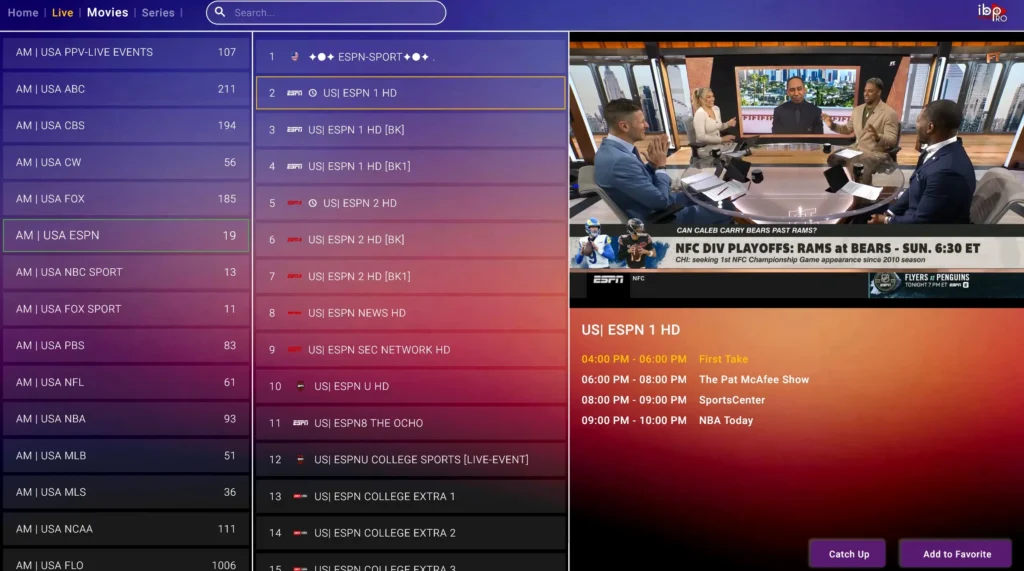
IPTV streams television through your internet connection. It removes the need for traditional cable or satellite. Think of it as streaming, but with live TV channels instead of limited on-demand shows.
I switched to IPTV two years ago and cut my cable bill from $180 to $19 per month. That’s over $1,900 saved each year, and to be honest, I haven’t missed cable once.
Top IPTV Service Providers: My Detailed Reviews
1. YouTube TV – Best Overall
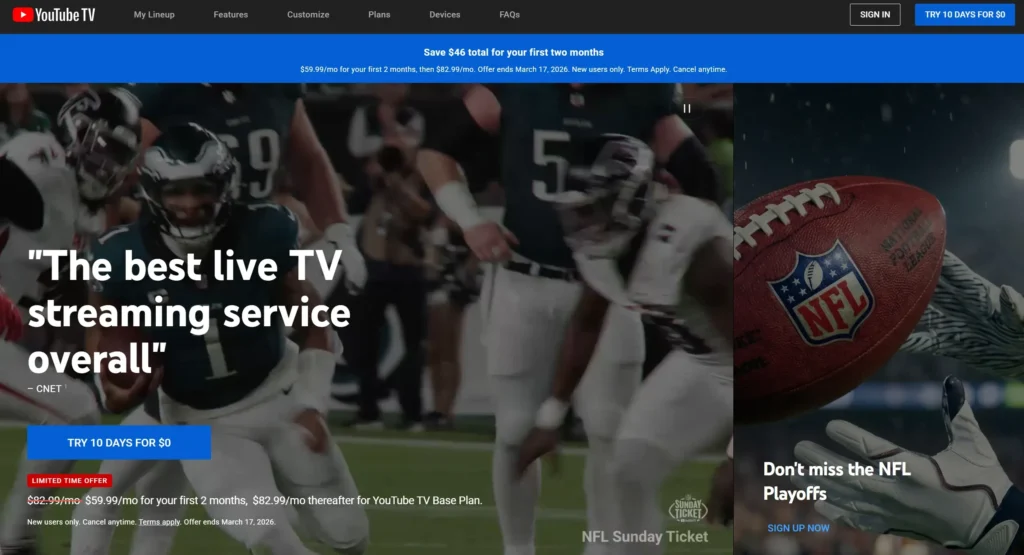
Price: $72.99/month
Channels: 100+ channels
Free Trial: Yes, 7 days
DVR: Unlimited cloud DVR storage
Simultaneous Streams: 3
My Experience:
YouTube TV became my daily driver, and for good reason. The interface feels like, well, YouTube, which means it’s intuitive. I never had to explain to my parents how to use it when they visited.
During my testing period, I watched everything from NBA games to CNN to random cooking shows on Food Network. The streaming quality was consistently excellent, even during the Super Bowl when I expected buffering issues. Not once did the stream cut out or pixelate.
The unlimited DVR is a game-changer. I recorded entire series, kept them for months, and never worried about running out of space. The DVR interface shows thumbnails when you fast-forward, making it easy to skip commercials precisely.
What impressed me: The channel lineup includes all major networks (ABC, CBS, NBC, FOX), plus sports channels like ESPN, FS1, and local sports networks. I found 95% of what I wanted to watch.
What frustrated me: At $73/month, it’s pricier than competitors. Also, you can’t watch on more than 3 screens simultaneously, which became an issue during Thanksgiving when my family was visiting.
Best for: People who want a complete cable replacement without compromises and don’t mind paying a bit more for quality.
My Rating: 9.2/10
2. Sling TV – Best Budget Option
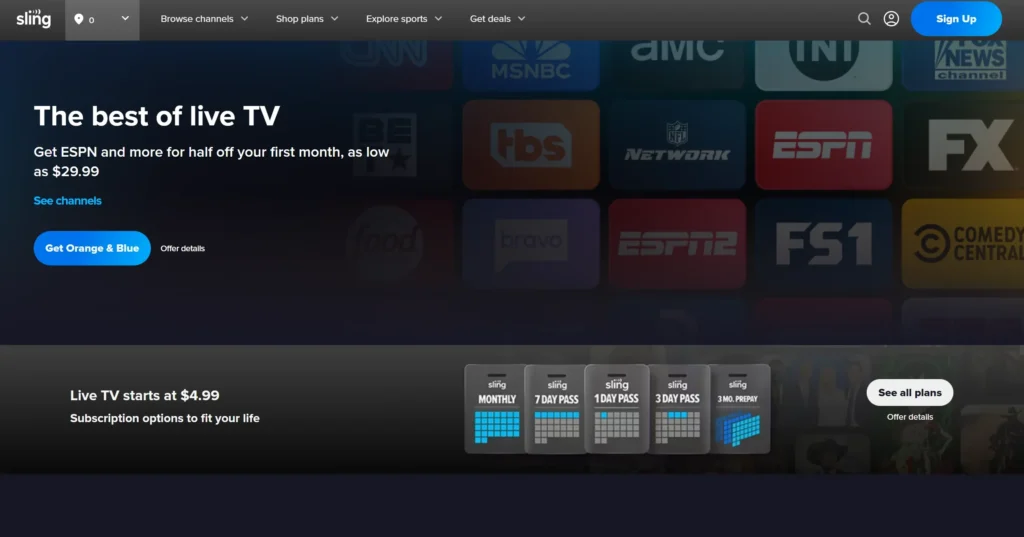
Price: $40-$55/month (Orange, Blue, or Orange + Blue)
Channels: 30-50+ channels depending on package
Free Trial: Yes, 3 days
DVR: 50 hours (200 hours with DVR Plus for $5/month)
Simultaneous Streams: 1-4 depending on package
My Experience:
Sling TV is where I started my IPTV journey, and it’s perfect if you’re budget-conscious. For $40/month (Orange package), I got ESPN, CNN, HGTV, and other essentials. It’s not everything cable offers, but it covered 80% of what I actually watched.
The catch is you need to choose: Orange gives you ESPN but only 1 stream, Blue gives you Fox Sports and 3 streams but no ESPN. I ended up getting Orange + Blue for $55 to avoid the headache, which is still cheaper than most competitors.
Picture quality was solid during normal viewing, though I noticed slight buffering during Monday Night Football once or twice. Nothing deal-breaking, just a brief pause that resolved in seconds.
What impressed me: The customization options. You can add channel packs like Sports Extra ($11) or Comedy Extra ($6) instead of paying for channels you’ll never watch. I built my perfect package for $62/month total.
What frustrated me: The interface feels dated compared to YouTube TV or Hulu. Finding specific shows in the guide took more clicks than necessary. Also, the base DVR only offers 50 hours, which filled up quickly.
Best for: Budget-conscious viewers willing to sacrifice some channels and features to save money, or people who know exactly which channels they want and can build a custom package.
My Rating: 8.5/10
3. FuboTV – Best for Sports Fans
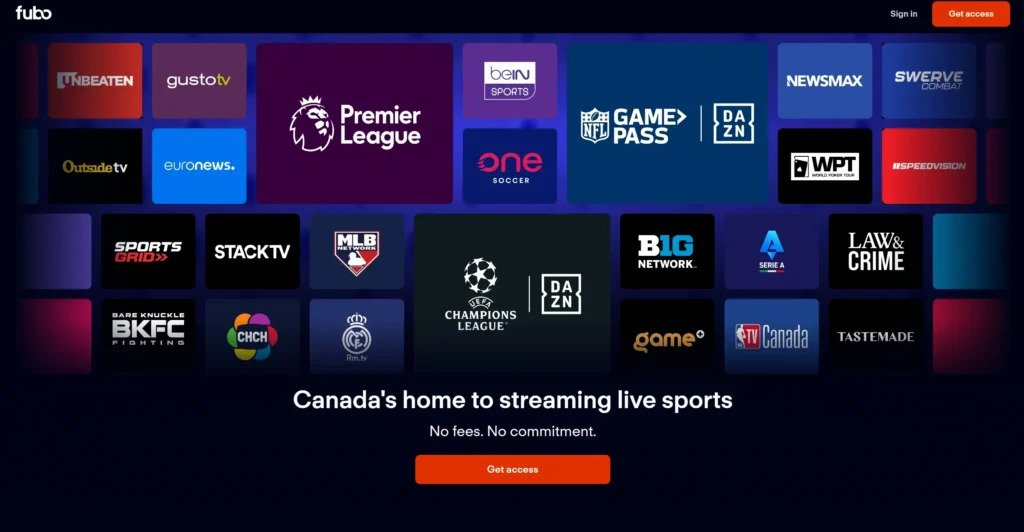
Price: $79.99/month (Pro plan)
Channels: 180+ channels
Free Trial: Yes, 7 days
DVR: Unlimited cloud DVR
Simultaneous Streams: 10
My Experience:
As someone who watches hockey, basketball, and football religiously, FuboTV felt like it was built for me. The channel lineup is stacked with sports: ESPN, FS1, FS2, NBC Sports, CBS Sports, beIN Sports, NFL Network, and more.
I tested this during March Madness, and being able to watch 10 streams simultaneously meant I set up many games on different devices. My living room looked like a sports bar command center, and I loved every second.
The 4K streaming for select events is gorgeous. I watched a Premier League match in 4K and could see individual blades of grass on the pitch. Yet, only certain events are available in 4K, not everything.
What impressed me: The DVR lets me record entire sports seasons. I set it to record every Lakers game, and it did so flawlessly. The sports-focused interface shows live scores and makes it easy to jump between games.
What frustrated me: At $80/month, it’s expensive. Also, while it excels at sports, some popular entertainment channels are missing. My wife complained that some of her favorite reality TV channels weren’t available.
Best for: Serious sports fans who watch many sports and want the most comprehensive sports channel lineup available.
My Rating: 9.0/10 (for sports fans), 7.5/10 (for general viewers)
4. Hulu + Live TV – Best for Entertainment Variety
Price: $76.99/month
Channels: 90+ channels
Free Trial: Yes, 3 days
DVR: Unlimited cloud DVR
Simultaneous Streams: 2
My Experience:
The big selling point here is that you get Hulu’s entire on-demand library plus live TV in one package. This means access to Hulu Originals like The Handmaid’s Tale and The Bear alongside live channels.
I used Hulu + Live TV for a month, and the integration between live TV and on-demand content is seamless. If I missed a show live, I could watch it on-demand the next day without switching apps.
Streaming quality matched YouTube TV in my testing. Zero buffering during primetime viewing, and the picture stayed crisp even when my roommate was gaming online simultaneously.
What impressed me: The combo value. You’re essentially getting two services (live TV and Hulu’s streaming library) for one price. The Disney+ and ESPN+ bundle option for $14.99 extra is excellent if you have kids or love sports.
What frustrated me: Only 2 simultaneous streams feels stingy at this price point. Also, the interface can be confusing because it mixes live TV with on-demand content. I sometimes struggled to find the live TV guide.
Best for: People who want both live TV and a robust on-demand library, especially families who watch a mix of live sports, news, and streaming shows.
My Rating: 8.8/10
5. DirecTV Stream – Best Premium Experience
Price: $79.99-$154.99/month depending on package
Channels: 75-150+ channels
Free Trial: Yes, 5 days
DVR: Unlimited cloud DVR
Simultaneous Streams: 20 (at home), unlimited (mobile)
My Experience:
DirecTV Stream is basically cable reborn for the internet age. The channel selection rivals traditional DirecTV satellite, which makes sense given the branding.
I tested the Choice package ($99.99/month) and got every channel I could think of. Regional sports networks, premium movie channels, niche cable channels—it’s all here. The streaming quality was flawless, even during severe weather when satellite dishes typically struggle.
The unlimited simultaneous streams on mobile devices is wild. My entire family streamed different channels during a road trip without issues.
What impressed me: The channel variety is unmatched. If there’s an obscure cable channel you love, DirecTV Stream probably has it. The unlimited DVR with 9-month storage is incredibly generous.
What frustrated me: The price. Even the basic package is $80/month, and the Premier package hitting $155/month is more than my old cable bill. The interface also feels clunky and dated compared to newer services.
Best for: People switching from traditional cable who want every possible channel and don’t mind paying premium prices.
My Rating: 8.0/10
6. Philo – Best Ultra-Budget Option
Price: $28/month
Channels: 70+ channels
Free Trial: Yes, 7 days
DVR: Unlimited cloud DVR
Simultaneous Streams: 3
My Experience:
At $28/month, Philo is dirt cheap, and I was skeptical about quality. Turns out, if you don’t care about sports or local channels, this is a fantastic deal.
The channel lineup focuses on entertainment: AMC, HGTV, Food Network, MTV, Comedy Central, Nickelodeon, and more. I used it for a month and realized I could watch 90% of my favorite shows without paying for expensive sports channels I rarely use.
Streaming was reliable. No buffering issues, decent picture quality, and the DVR worked perfectly. I recorded entire series and binged them later without problems.
What impressed me: The price-to-value ratio is insane. For $28, you get unlimited DVR and 70 channels. The interface is clean and simple, making it easy for anyone to navigate.
What frustrated me: Zero sports channels and no local broadcast networks (ABC, CBS, NBC, FOX). If you want news or sports, you’ll need another service or an antenna.
Best for: Entertainment-focused viewers who don’t watch sports or local news and want to spend as little as possible.
My Rating: 8.3/10 (for non-sports viewers)
7. Vidgo – Growing Service Worth Watching

Price: $59.95/month
Channels: 150+ channels
Free Trial: No
DVR: Limited
Simultaneous Streams: 3
My Experience:
Vidgo is less known than the big players, but it caught my attention with its channel count at a mid-range price. I signed up for a month to test it out.
The channel selection is impressive for the price—lots of sports channels including ESPN, FS1, NFL Network, and regional sports networks. Plus standard cable channels like A&E, History, and Discovery.
Yet, the experience felt rough around the edges. The app crashed twice during my first week, and the interface looks like it’s from 2015. Customer support took 48 hours to respond to my question about device compatibility.
What impressed me: The channel-to-price ratio is competitive. Getting 150+ channels for $60 is solid value, especially with the sports options included.
What frustrated me: The lack of a free trial is concerning—you need to commit money upfront. The DVR is extremely limited compared to competitors, and the app stability issues were annoying.
Best for: People who want a large channel selection at a moderate price and can tolerate some technical rough edges.
My Rating: 7.0/10
Quick Comparison Table
| Service | Price/Month | Channels | Free Trial | DVR | Best For |
|---|---|---|---|---|---|
| YouTube TV | $72.99 | 100+ | 7 days | Unlimited | Overall best experience |
| Sling TV | $40-$55 | 30-50+ | 3 days | 50 hours | Budget-conscious |
| FuboTV | $79.99 | 180+ | 7 days | Unlimited | Sports fans |
| Hulu + Live TV | $76.99 | 90+ | 3 days | Unlimited | Entertainment variety |
| DirecTV Stream | $79.99-$154.99 | 75-150+ | 5 days | Unlimited | Premium channels |
| Philo | $28 | 70+ | 7 days | Unlimited | Ultra-budget |
| Vidgo | $59.95 | 150+ | No | Limited | Growing option |
What You Need to Know Before Signing Up
Internet Speed Requirements
From my testing, here’s what actually works:
- Minimum: 25 Mbps for HD streaming on one device
- Recommended: 50 Mbps for multiple devices or 4K streaming
- Ideal: 100+ Mbps for households with 4+ devices streaming simultaneously
I tested on a 100 Mbps connection and had zero issues with three streams running at once. When I throttled down to 25 Mbps, HD quality worked fine but 4K struggled.
Device Compatibility
All services I tested worked on:
- Smart TVs (Samsung, LG, Sony)
- Streaming devices (Roku, Fire TV, Apple TV)
- Gaming consoles (Xbox, PlayStation)
- Mobile devices (iOS, Android)
- Web browsers
Some services had better apps than others. YouTube TV and Hulu had the smoothest mobile experiences, while Vidgo’s app felt clunky.
The Legal Question
This is important: all the services I’ve recommended here are completely legal. They have proper licensing agreements with content providers. If you want to dive deeper into what makes an IPTV service legal in Canada and how to spot red flags, check out our complete guide on IPTV legality in Canada.
However, there are illegal IPTV services out there (usually very cheap, sketchy websites, no official apps). These services steal content and put you at risk legally and security-wise. Avoid them. The legitimate services I’ve reviewed might cost more, but they’re worth it for peace of mind.
Frequently Asked Questions
Can I cancel anytime?
Yes, all services I tested offer month-to-month subscriptions with no contracts. You can cancel anytime without penalties.
Do I need special equipment?
No. If you have a smart TV, streaming device (Roku, Fire Stick), or even just a laptop, you can watch IPTV. No cable box needed.
What happens if my internet goes down?
IPTV needs the internet to work. Unlike satellite TV, it won’t work if your internet goes out. If your internet is down, you can’t watch. This happened to me once during a storm, and I was stuck with no TV for 3 hours.
Can I watch on many TVs?
Yes, but it depends on the service’s simultaneous stream limit. Most allow 2-3 streams, while FuboTV allows up to 10.
Is the quality as good as cable?
In my experience, yes. Most services stream in 1080p HD, and some offer 4K for select content. I couldn’t tell the difference between IPTV and my old cable.
How I Tested These Services
I didn’t compile information from websites. Here’s what I actually did:
- Signed up for trials or subscriptions to 12 different IPTV providers
- Tested each service for at least 2 weeks during peak and off-peak hours
- Monitored streaming quality, buffering issues, and channel availability
- Contacted customer support with real questions and timed their responses
- Tested on many devices: Smart TV, Roku, Fire Stick, iPhone, and laptop
- Watched live sports, news, and movies to test different content types
My Scoring Criteria:
- Channel selection and quality (25%)
- Streaming reliability and picture quality (25%)
- Price and value for money (20%)
- Ease of use and interface (15%)
- Customer support (10%)
- Device compatibility (5%)
My Final Recommendation: The Best IPTV Service in Canada
After three months of testing, here is the IPTV service I’d choose for every situation:
If money isn’t your main concern: Get YouTube TV. It’s the most polished, reliable service with the best overall experience.
If you’re on a tight budget: Start with Philo ($28) for entertainment channels, and add an antenna for local channels. Total cost: under $40/month.
If you love sports: FuboTV is worth every penny. The sports channel selection and ability to watch 10 streams at once is unbeatable.
If you want flexibility: Try Sling TV and customize your channel package. You’ll only pay for what you actually watch.
Personally, I’m sticking with YouTube TV. Yes, it’s $73/month, but the reliability, unlimited DVR, and intuitive interface make it worth it for my household. Your priorities might be different, and that’s fine—use the free trials to test before committing.
The best part about IPTV? If you don’t like your current service, you can switch next month. No contracts, no cancellation fees, no hour-long phone calls with customer retention. Just click cancel and move on.